Home / App Guide / Getting around / Carparks
How to find carparks and check available lots in Singapore
Latest change, 16 October 2026: New guide.
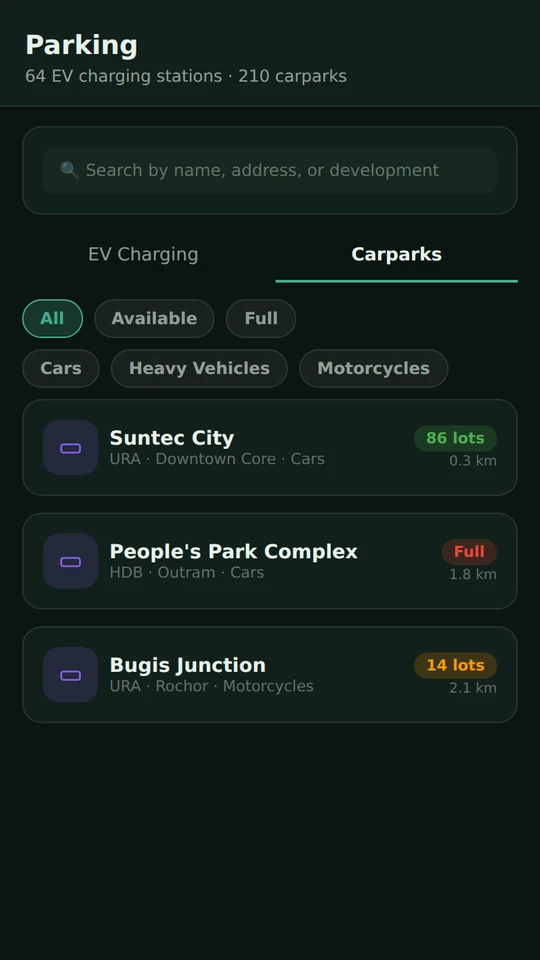
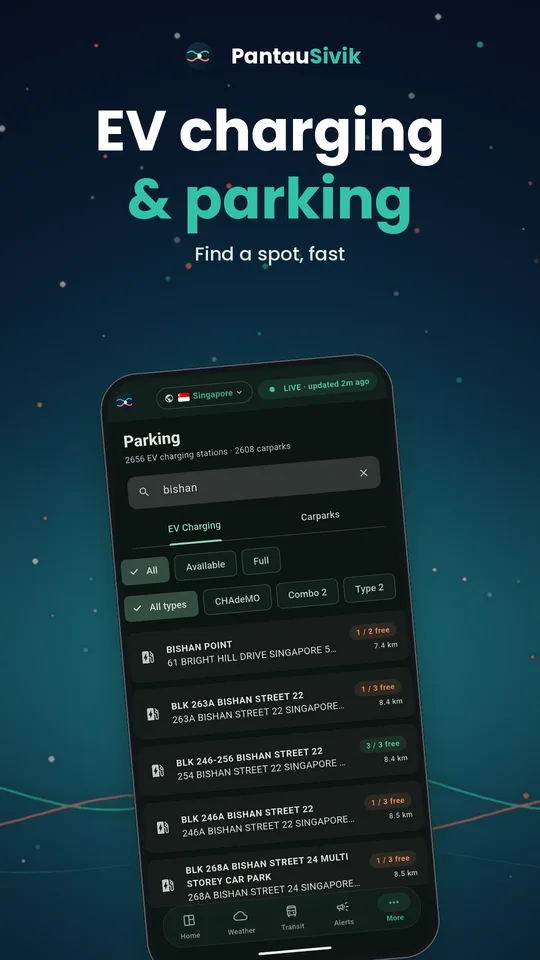
Short answer: open Parking, choose the Carparks tab, and the closest carparks appear first with the number of free lots. Check the lot type, then tap Directions.
Carparks in Singapore at a glance
PantauSivik shows live carpark availability for Singapore, so you can see where there is space before you drive over. The list uses public Land Transport Authority data that merges HDB, URA and LTA carparks. It shows how many lots are free, not how full a carpark is as a percentage.
What you will see
- A list of carparks sorted by distance when the app knows where you are.
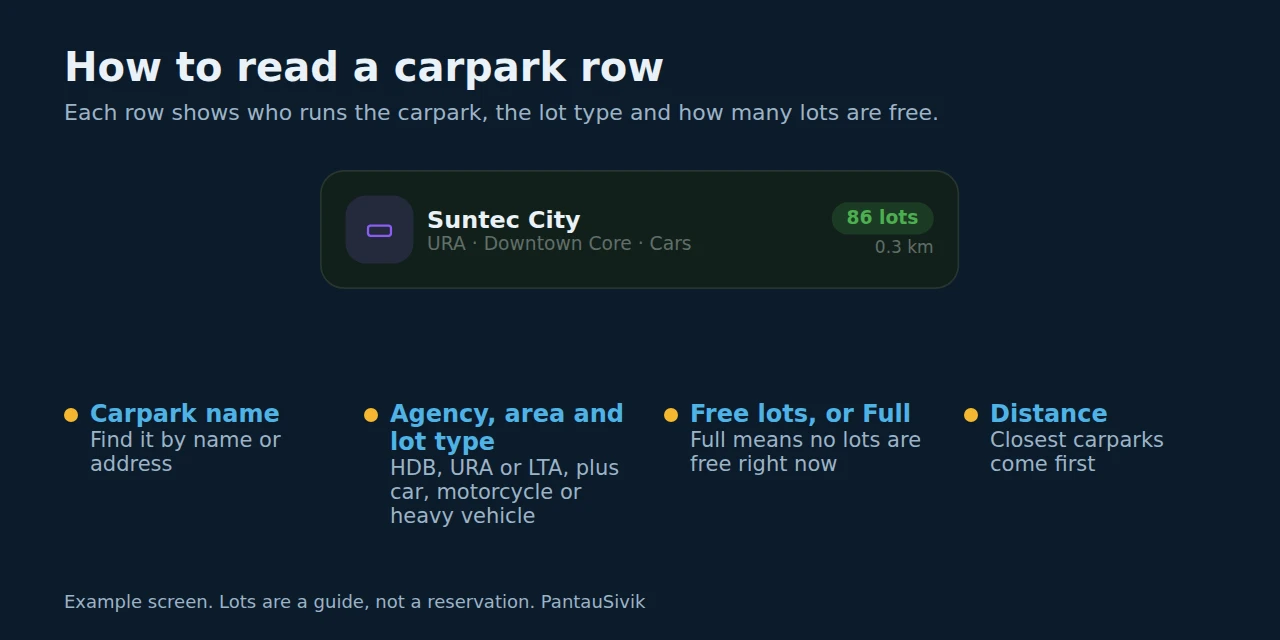
- The number of available lots for each carpark. A carpark with no free lots is marked Full.
- The lot type: car, motorcycle or heavy vehicle. Some carparks list more than one type.
- A search box for a place or carpark name.
- A Directions button on every carpark.
How to use it
- Open Parking. The Carparks tab sits beside EV Charging.
- Allow location when asked, so the list starts with the closest carparks. You can also type the area you are heading to.
- Check the number of free lots and the lot type that matches your vehicle.
- Tap Directions. The Trip Planner opens in drive mode so you can plan the route.
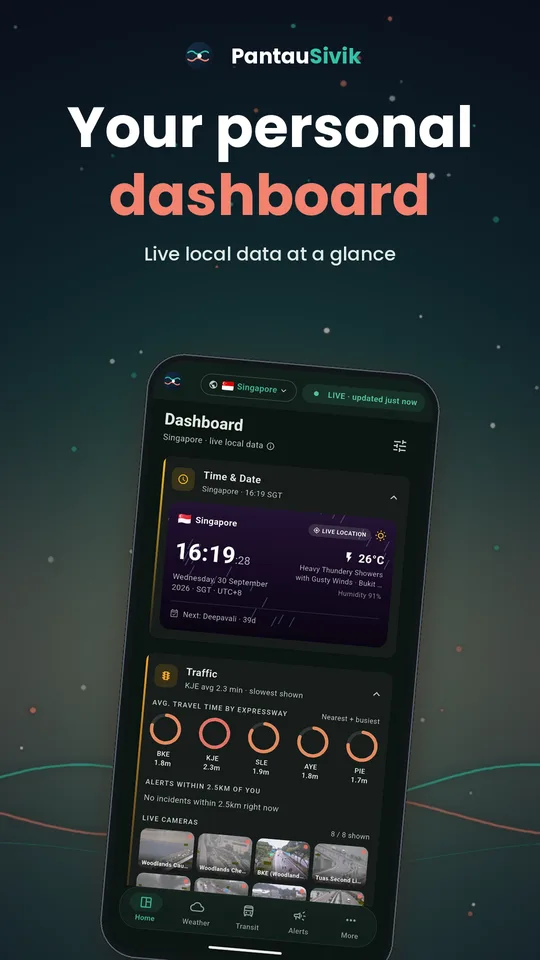
- For a quick look, use the Parking card on the dashboard. It shows nearby carparks and EV chargers.
Tips
- Check just before you set off. Lots can fill quickly at busy times.
- A free lot is a guide, not a reservation.
- If a carpark shows Full, search for the next one nearby or try a different area.
- Looking for a charger instead? See how to find EV charging stations in Singapore. Bicycle parking has its own page.
Good to know
Carpark data comes from the Land Transport Authority and refreshes every few minutes. Carparks outside that public data, such as some private carparks, may not appear. PantauSivik does not show carpark prices or season parking, and carparks are covered for Singapore only.
Information comes from public sources and is there to help you plan. PantauSivik is independent and not affiliated with any government agency. Screens and wording can change a little between app versions.
Frequently asked questions
Does PantauSivik show how many carpark lots are free?
Yes. Each carpark shows the number of available lots, and a carpark with none left is marked Full.
Does it show how full a carpark is as a percentage?
No. The public data gives the number of available lots, not the total, so PantauSivik shows the free lots only.
Which carparks are covered?
Carparks in the public Land Transport Authority data, which merges HDB, URA and LTA carparks. Carparks that are not in that data may not appear.
Does it show carpark prices?
No. Prices and season parking are not shown, so check the signs at the carpark.
Can I get directions to a carpark?
Yes. Tap Directions on a carpark and the Trip Planner opens in drive mode.
Does it work in Malaysia?
Carpark availability in PantauSivik covers Singapore.
See also: Trip Planner guide, What is new in 1.25.0, Three long weekends coming up, Map guide.
Spotted a mistake? Report an error on this page.