Home / App Guide / Environment / Public Alerts
How to use Public Alerts for floods, train faults, road works and more
Latest change, 17 October 2026: Alerts now work by sector (pick up to 4 of 47), with a new Notifications page and a Maintenance notices section. Version 1.31.0 is rolling out now.
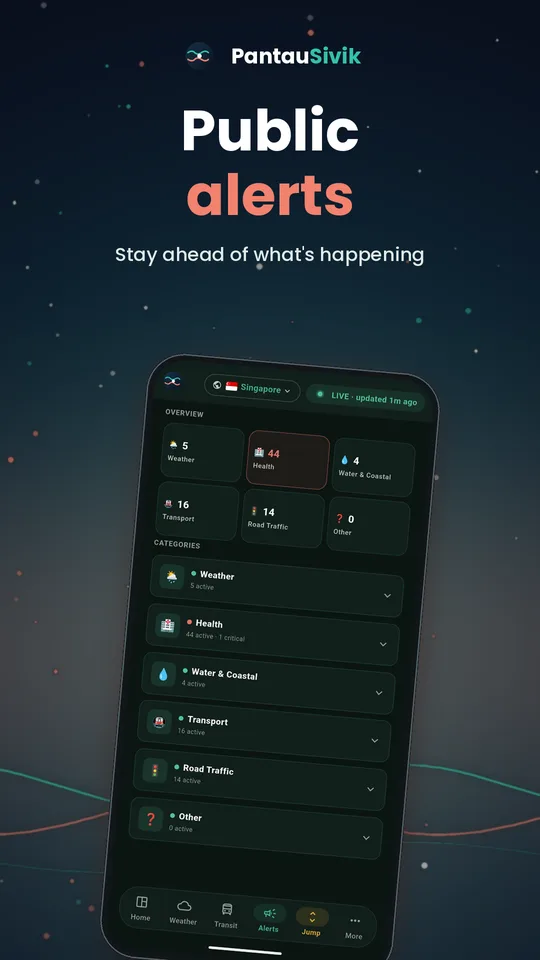
Short answer: open Public Alerts to see everything happening around you in one list. Tap a category to expand it, and tap a notification to jump to the exact alert.
What you will see
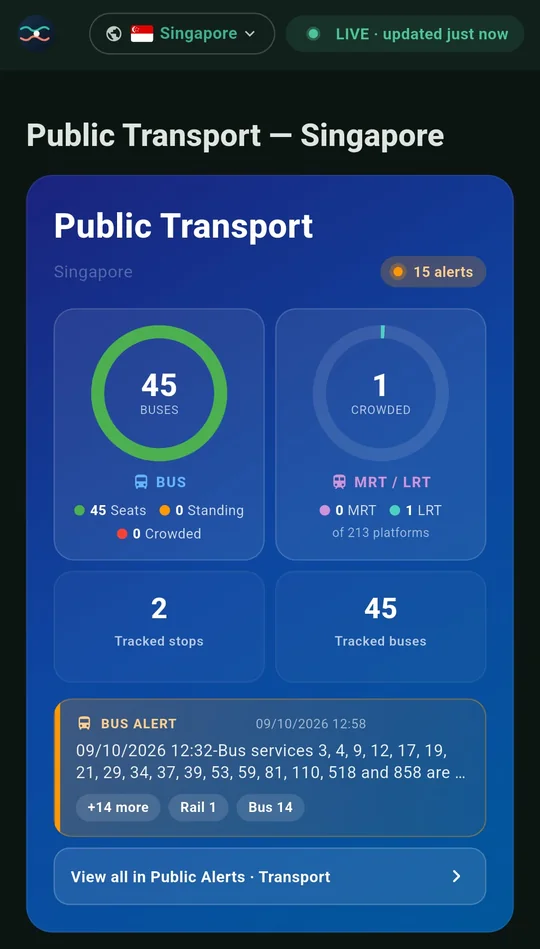
- Public transport alerts: train and bus service alerts and advisories.
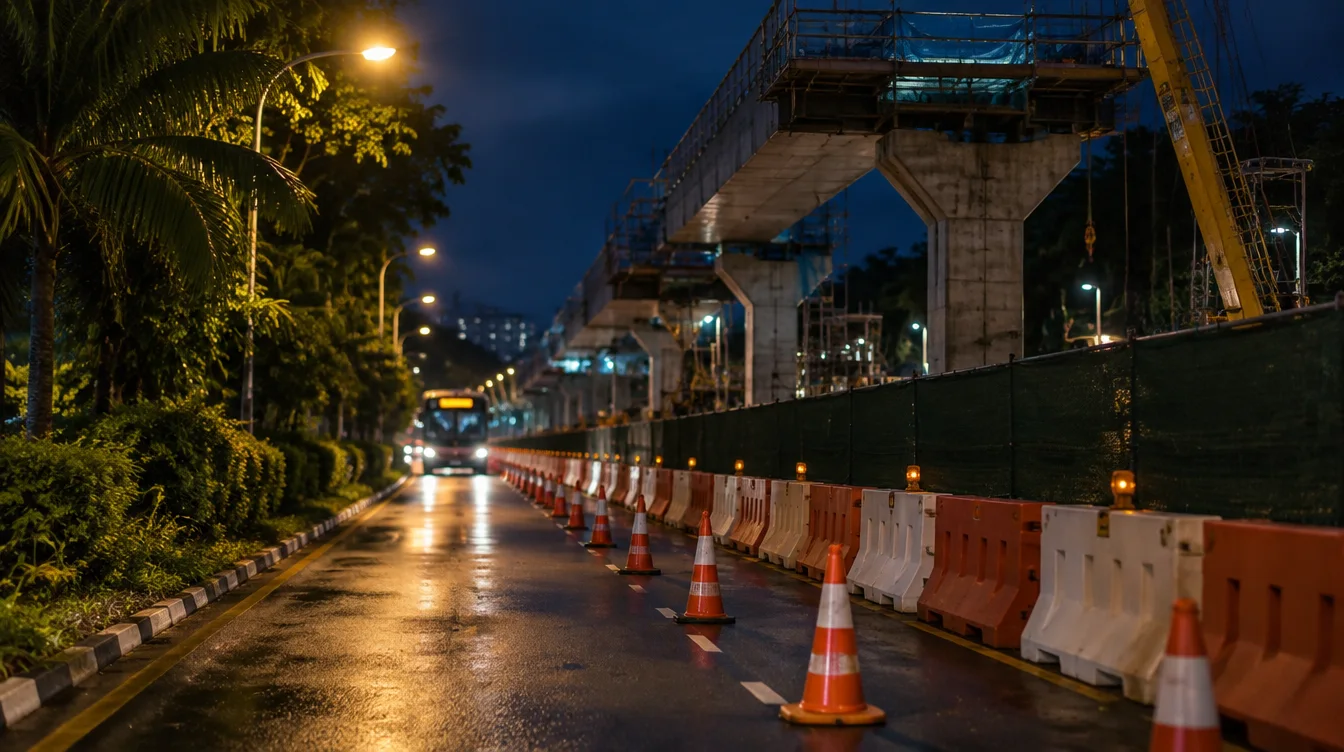
- Road Traffic: incidents and road works, with road blocks under Other.
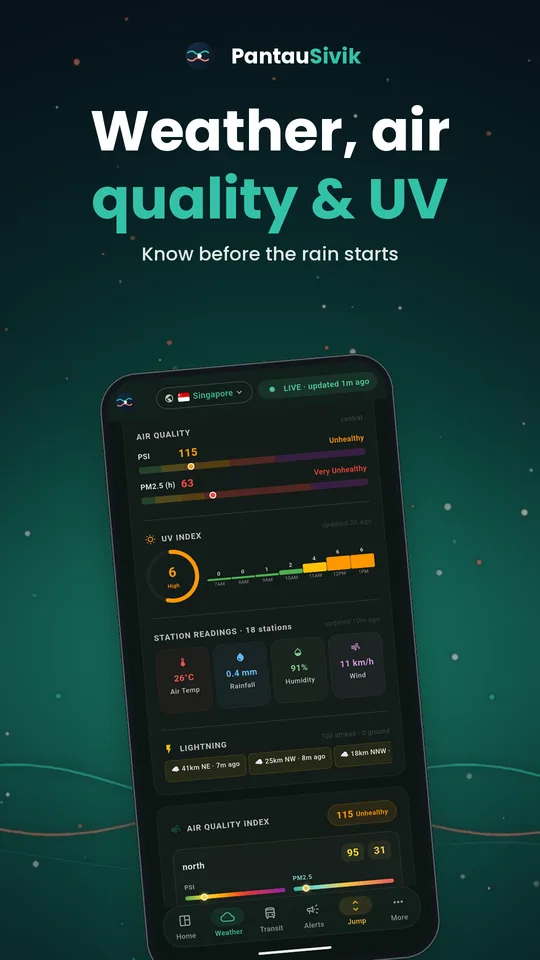
- Weather and air: lightning, heavy rain, haze and air quality alerts. The air quality line names the PSI band and the PM2.5 band, using the worst region in Singapore.
- Floods and dengue where data is published.
- Maintenance notices.
- A Latest list so a number on a tile always comes with a line that tells you what it is.
How to use it
- Open Public Alerts. Critical alerts are highlighted.
- Tap a category to expand it and read the details.
- Use the dashboard Alerts card for a quick view. You can choose which categories it counts.
- Open Settings to choose which alerts send you a notification, including the Environment alert for air quality and UV.
- Tap a notification. It opens the right country, the right category and the exact alert when one is available.
Tips
- Check Public Alerts before a big event or a long drive. Diversions and road blocks appear here first.
- The Home Alerts card counts strikes within 5 km of you. The Alerts page lightning card shows strikes in the last 30 minutes across Singapore, with a line for each of your sectors, and lightning notifications name your sector first. After heavy rain, the card shows "Heavy rain has eased" for 30 minutes.
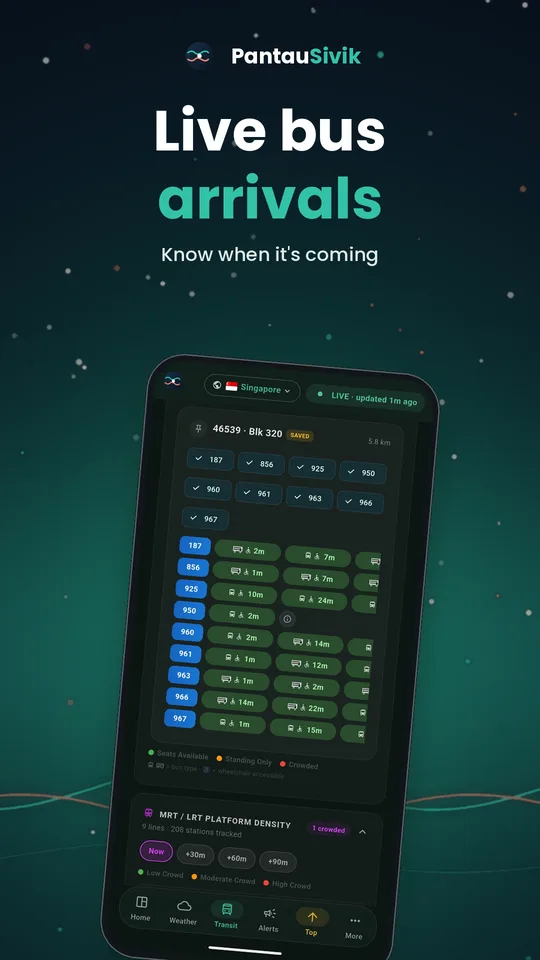
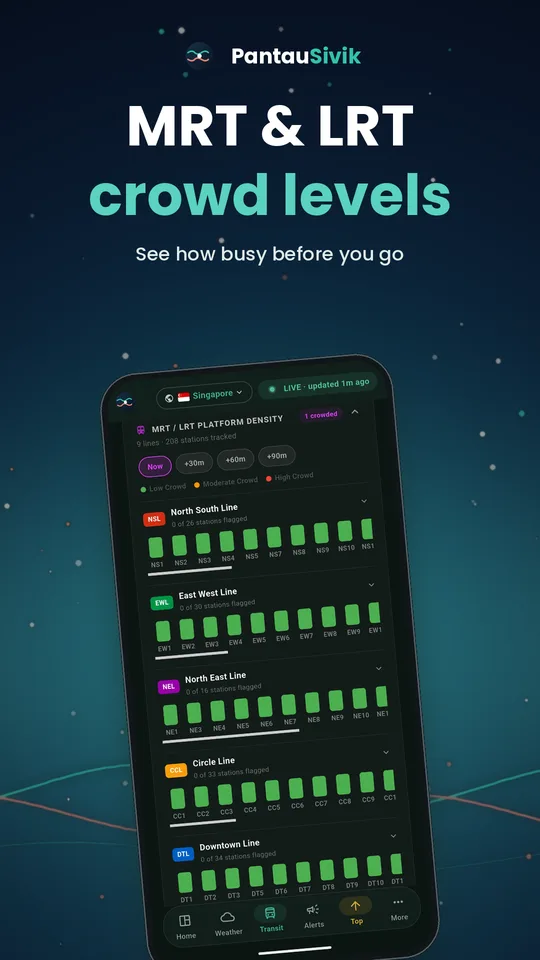
- The Transit page also shows the latest transport alert, so you may see it there before you open this page.
Good to know
Alerts come from public sources and appear after those sources publish them, so delays are possible. In an emergency, follow official channels and instructions. Malaysia has its own alerts, such as weather warnings.
Information comes from public sources and is there to help you plan. PantauSivik is independent and not affiliated with any government agency. Screens and wording can change a little between app versions.
Frequently asked questions
Where do road blocks appear?
Road incidents and road works appear under Road Traffic. Road blocks show under Other.
Can I choose which alerts I get?
Yes. In Settings, open Notifications to switch each group on or off and choose Off, My sectors or Islandwide. Pick up to 4 of the 47 NEA sectors under My sectors, and choose which categories the dashboard card counts.
What happens when I tap a notification?
The app opens the right country and category, and scrolls to the exact alert when possible.
Does it include bus alerts?
Yes. Public transport alerts include bus service alerts and advisories as well as train alerts.
What does the air quality alert show?
It names the PSI band and the PM2.5 band, and uses the worst region in Singapore. PM2.5 uses the NEA 1 hour bands: normal, elevated, high and very high.
How far away does a lightning alert cover?
The Home Alerts card counts strikes within 5 km of you. The Alerts page lightning card shows strikes in the last 30 minutes across Singapore, with a line for each of your sectors, and lightning notifications name your sector first.
See also: What is new in 1.31.0, Weather, PSI and UV guide, Night road closures and bus diversions, F1 weekend road closures, Does rain clear the haze?, What is new in 1.25.29, Traffic guide, Malaysia guide, Haze in Singapore, 2026 compared with 2023, Three long weekends coming up.
Spotted a mistake? Report an error on this page.